Newsboat Quick Setup
Published:
Newsboat is an RSS/Atom feed reader for the text console. It’s an actively maintained fork of Newsbeuter.
I like using Newsboat for most of my RSS subscriptions. Maybe something about a text-only interface helps prevent the doom feeling from becoming overwhelming.
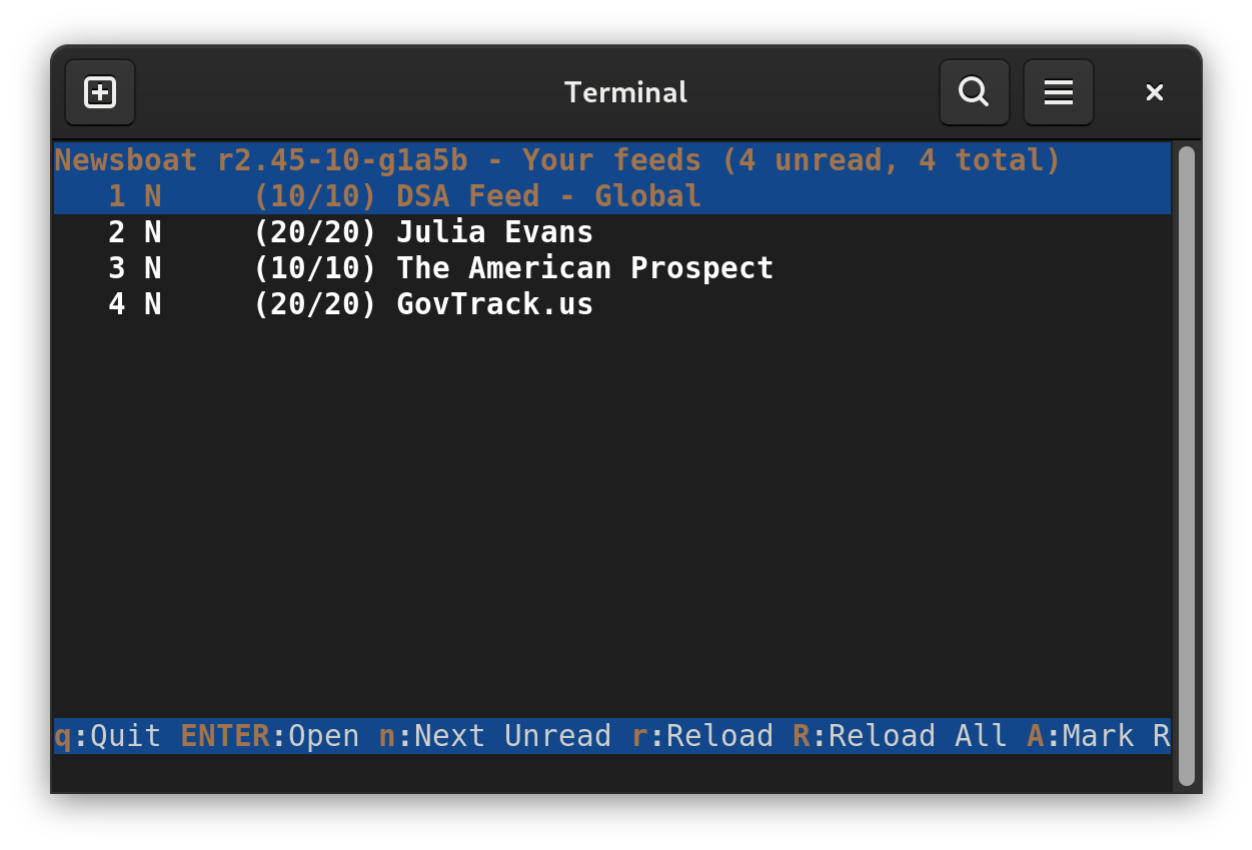
Anyway, here are some quick instructions if you want to get up and running yourself.
Install dependencies.
Adjust these for non-Debian-based distros.
$ sudo apt update
$ sudo apt install \
    asciidoctor \
    build-essential \
    gettext \
    git \
    libcurl4-openssl-dev \
    libjson-c-dev \
    libncurses-dev \
    libsqlite3-dev \
    libstfl-dev \
    libxml2-dev \
    make \
    pkg-config
You can install Rust and Cargo via most OS package managers, but this is the official method:
$ curl --proto '=https' --tlsv1.2 -sSf https://sh.rustup.rs | shMake sure to reload your
~/.bashrcto pull in the changes that the Rust installer made:$ . ~/.bashrcClone the Git repository
$ git clone https://github.com/newsboat/ newsboat.gitBuild and install
$ cd newsboat
$ make
$ make prefix=${HOME}/.local install
# Or `sudo make install` to install system-wide